on the record you want to view.
To view a Court Case record follow these steps:
| 1. | Search for the Court Case record you want to view. For instructions on how to search refer to “Court Case Search”. |
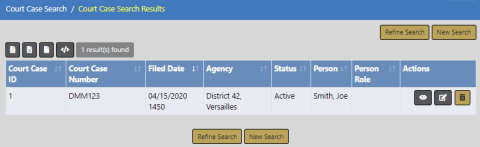
| 2. | In the Search Results grid, click the View icon on the record you want to view. |
| 3. | The View Court Case form opens. |
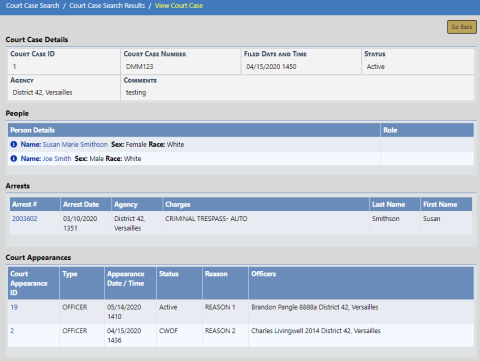
View Court Case is read-only. For instructions on editing, refer to “Edit Court Case”.
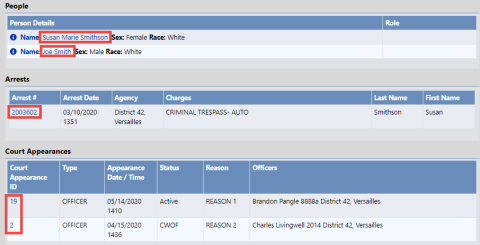
| 4. | Optionally, click on the person name, Arrest ID, Court Appearance ID, etc., to view details. |